The Homelab LLM Size-Slap-in-the-Face Truth: Size matters, 14B was too much but it works with 7B
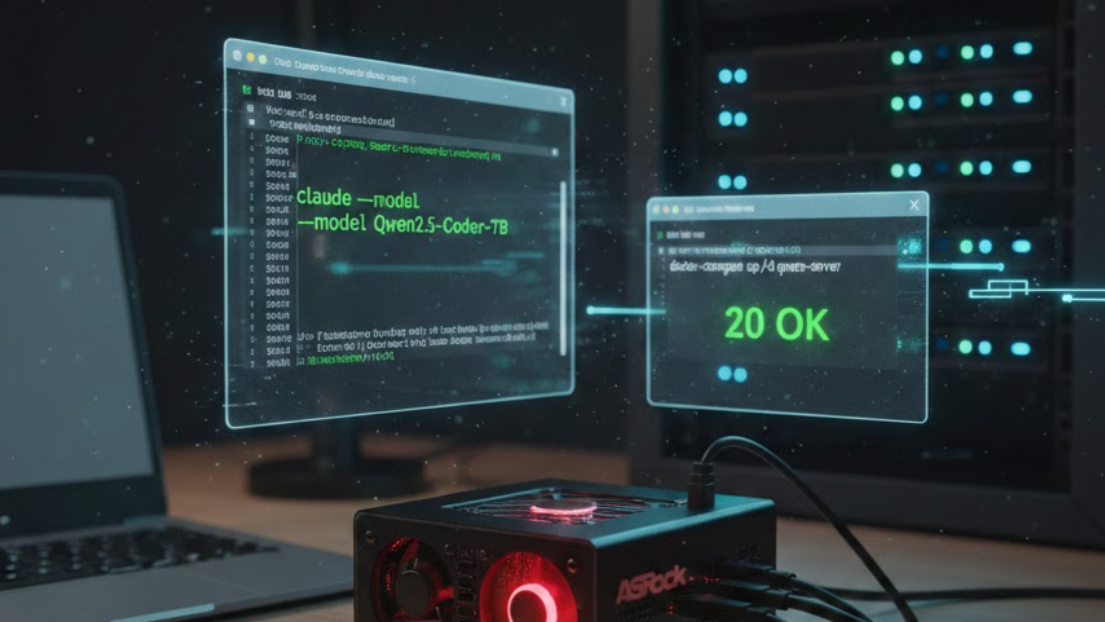
Over the last few days, I’ve been sharing my journey into setting up a free LLM at home. I managed to get GPT-OSS running with Open WebUI, and thanks to a Cloudflare tunnel, I now have my own private conversational assistant accessible from anywhere.
But I wanted to go further. At work, I use Claude Code to automate daily tasks: creating Jira issues, tagging marketing campaigns, or prepping for weekly stand-ups. I wanted to replicate that workflow at home without a $200/month subscription.
The Reality Check: 7B vs. 14B
I initially tried running Qwen 2.5 Coder 14B on my ASRock Deskmini X300. Even after maximizing VRAM and using Vulkan to squeeze the AMD integrated graphics, the truth hit me: It wasn’t practical. While the 14B is smarter on paper, the latency made it unusable for a real-time agent. Accepting defeat is part of the process—my Deskmini is great for streaming, but for a snappy AI Agent, Qwen 7B is the true winner.
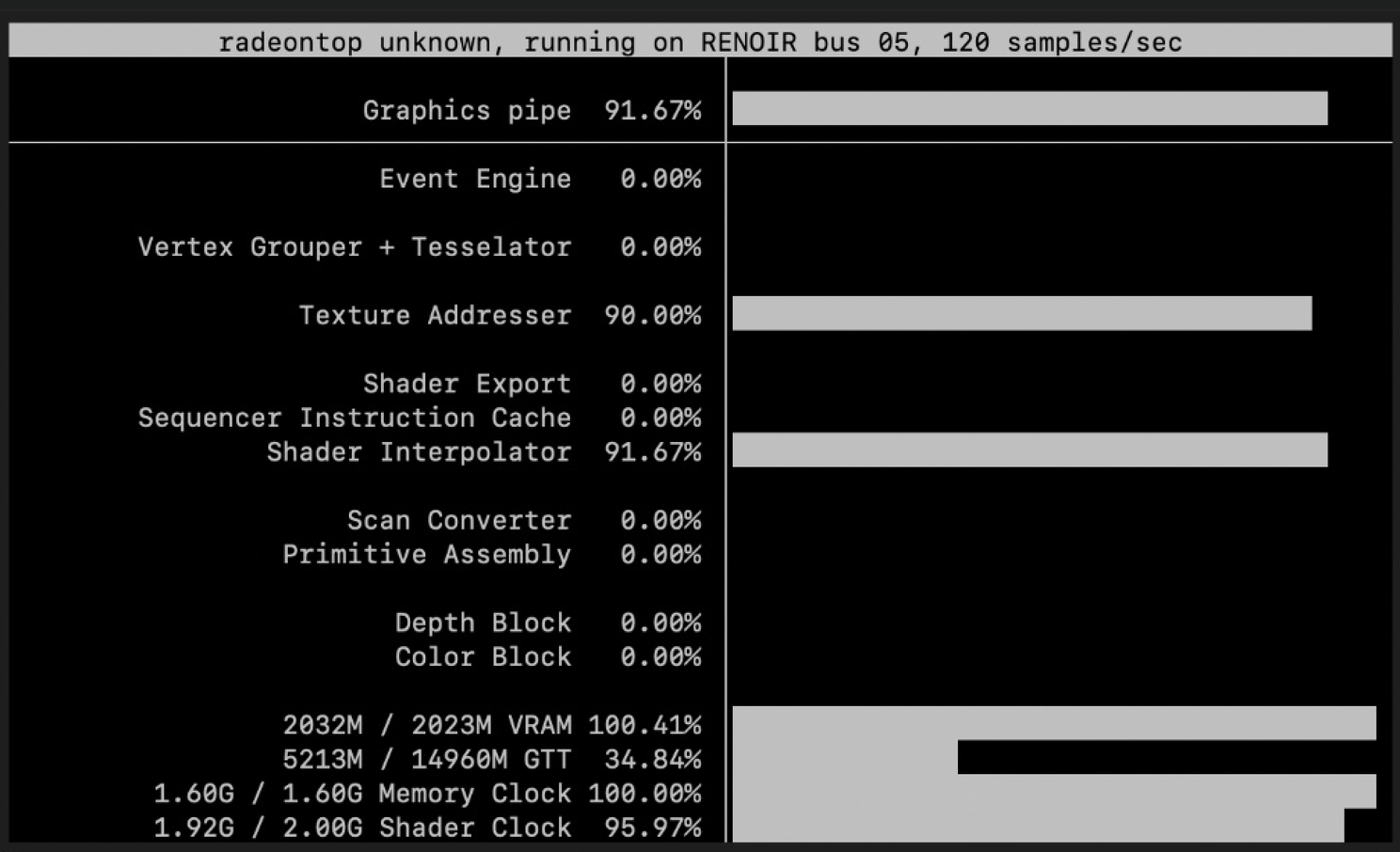
Goose vs. Claude Code
I tested Goose, Block’s (Square) alternative to Claude Code. I really like its MCP (Model Context Protocol) approach, although I have my doubts about them moving away from the AGENTS.md standard to propose their own “Goose hints.” Ultimately, for an agent to be useful, latency is king—and Qwen 2.5 Coder 7B hit the perfect balance between intelligence and speed.
Here is how I’ve optimized my setup to keep it snappy:
1. The Inference Server (Docker + llama.cpp)
I fine-tuned the qwen.yml to optimize the KV Cache and enabled Flash Attention, which significantly lowers VRAM consumption on my Debian host.
services:
  qwen-server:
    image: ghcr.io/ggml-org/llama.cpp:server-vulkan
    container_name: qwen-server
    ports:
      - "11434:11434"
    volumes:
      - /var/lib/nodes/llama_models:/models
    privileged: true
    command:
      - "-m"
      - "/models/qwen2.5-coder-7b-instruct-q4_k_m.gguf"
      - "--host"
      - "0.0.0.0"
      - "--port"
      - "11434"
      - "--alias"
      - "Qwen2.5-Coder-7B"
      - "-c"
      - "32768"
      - "--cache-type-k"
      - "q4_0" # Quantized cache to save VRAM
      - "--cache-type-v"
      - "q4_0"
      - "-ngl"
      - "30" # Offload layers to GPU
      - "--flash-attn"
      - "on"
      - "--api-key"
      - "sk-my-local-key"
2. Configuring the Custom Provider in Goose
Goose allows you to define your own endpoints. I created a “Custom Provider” pointing to my local Debian node:
~/.config/goose/custom_providers/home.json
{
  "name": "custom_home_provider",
  "engine": "openai",
  "display_name": "Home Provider",
  "api_key_env": "HOME_PROVIDER_API_KEY",
  "base_url": "http://[YOUR-LOCAL-IP]:11434/v1",
  "models": [
    {
      "name": "Qwen2.5-Coder-7B",
      "context_limit": 128000
    }
  ],
  "requires_auth": true
}
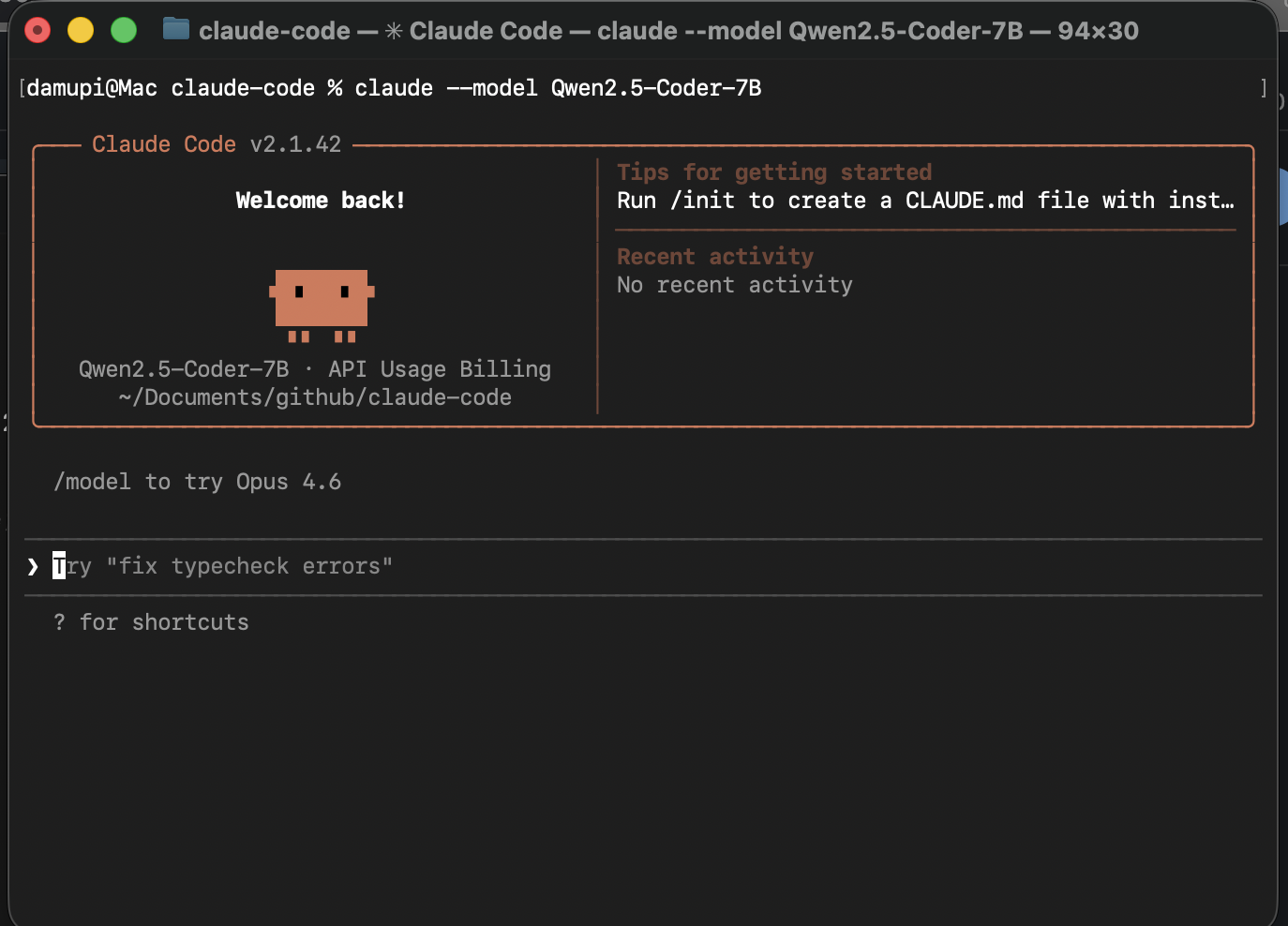
3. Running Claude Code Locally
If you prefer the Claude Code CLI tool but want it powered by your local 7B model, just export these variables:
export ANTHROPIC_AUTH_TOKEN="ollama"
export ANTHROPIC_API_KEY="sk-my-local-key"
export ANTHROPIC_BASE_URL="http://[YOUR-LOCAL-IP]:11434/v1"

claude --model Qwen2.5-Coder-7B
Bottom line
In the world of local agents, the limit is not the sky, you can dream big, but, you need to be realistic as well. In my case, a 14B was useless an a well-optimized 7B model with low latency made the difference
What’s your “sweet spot” for model size? I’d love to learn from your experiences.
Notes:
My server is running in a Debian 13, and run Goose and Claude Code in a Mac.
Sources:
- https://medium.com/@luongnv89/run-claude-code-on-local-cloud-models-in-5-minutes-ollama-openrouter-llama-cpp-6dfeaee03cda
- https://block.github.io/goose/docs/getting-started/providers#configure-custom-provider
- https://github.com/block/goose/discussions/3133
#AI #HomeLab #Docker #Qwen #GooseAI #ClaudeCode #SelfHosted #Linux #OpenSource