Why we will never reduce the unused JavaScript of GTM

Throughout my almost 10 years of experience as Web Analyst, in each of the companies that I’ve worked for, there’s always someone that ask you if we can reduce the size of the Google Tag Manager (GTM) script.
We always want to perform our pages, to be the best on speed, usability, google searches’ ranking, …. My colleagues, SEO experts, Front End developers, Clients for the Agency I’ve worked for says to me that they have checked Pagespeed and indicates that the size of the file of GTM can be reduced, thus the overall page will be lighter, faster, thus UX will improve, and we will always be in the top 3 of search of Google and our users will be happy to visit our page without any delays, glitch, blahblahblah, …..
Well, is true, … you can always improve your GTM file size, but is also true that you will never reduce it as much as PageSpeed Insights would like to. This is what this article is about, enlight you that you won’t get rid of the Unused Javascript in the GTM file. So let’s get to the point.
If you analyze an URL with PageSpeed that contains a GTM file, you will see an opportunity to improve the performance that says Reduce Unused Javascript.
Firstly, let me read what PageSpeed says: “These suggestions_ can help your page load faster. They _don’t __directly affect__ the Performance score_._” In other words, even in the case you reduce that unused JavaScript of GTM, you cannot assure that the performance score is going to change.
Secondly, if we continue reading the documentation we find “In the Lighthouse report, the Opportunities section has detailed suggestions and documentation on how to implement them.”. Thus again, is a suggestion, nothing else, nothing more, than that.
Regardless that, after reading the above, we must agree that reducing the unused JavaScript is not going to assure as that the performance score is going to improve, … But let’s suppose it does. How can we remove that “unused” JavaScript?.
If we check the documentation it says “Lighthouse_ flags every JavaScript file with more than 20 kilobytes of unused code_”. So, if the file is bigger than 20kb, is susceptible of being flagged as unused. But how Lighthouse knows what is used in the code and what is not?. If you want to know it, download the repository, and have a look. From now, it’d say is enough if I know how to detect each line of code that “I’m not using”.
For that, it explains you to use the “Coverage tab” in the Chrome Dev tools, that you can select that file and it will indicate you, in the last column, which bytes are unused, in red, and which bytes are used, in green.
So let’s continue supposing that I want to reduce the unused Javascript code of the GTM js file. I go to https://www.gambling.com , open the Chrome console, and see the Coverage Tab:
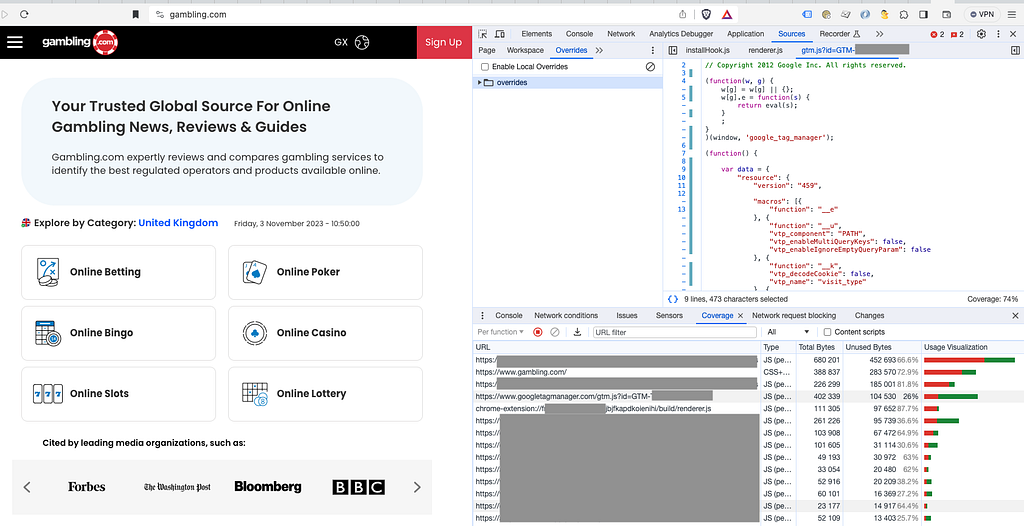
In the 4th position we have the GTM js file, that, in this occasion, indicates as that there’s a 26% of code that is not being used, according to GoogleSpeed guidelines.
If we go farther, we can see that the GTM js file has a 74% of Coverage.
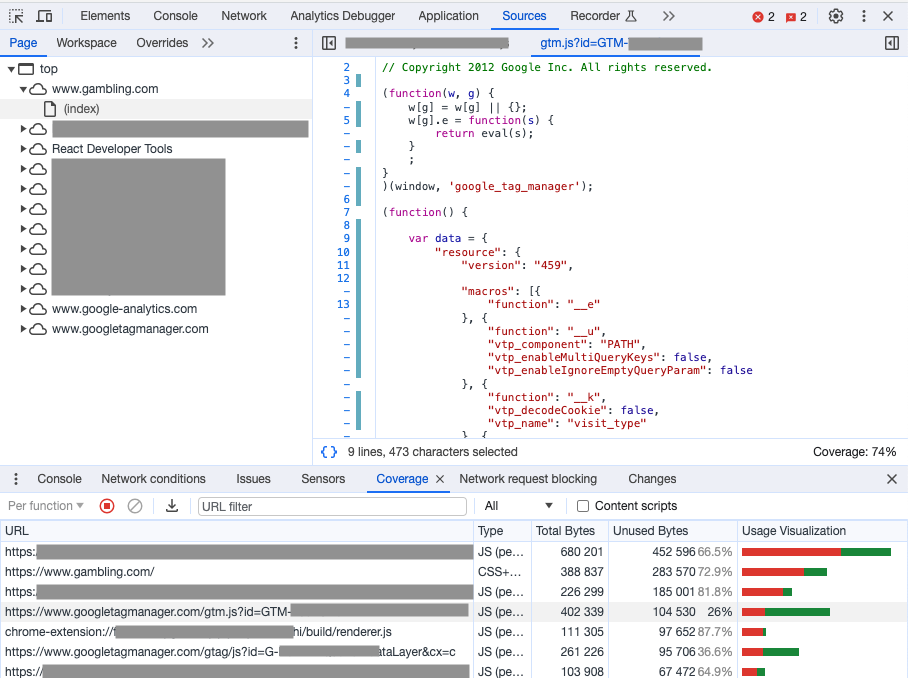
Because in the column below of Unused Bytes, it says that we are not using a 26% of code of that file.
So, I will scroll down in the top right with the lines of the code, we should see some lines in red. First one I see is this:
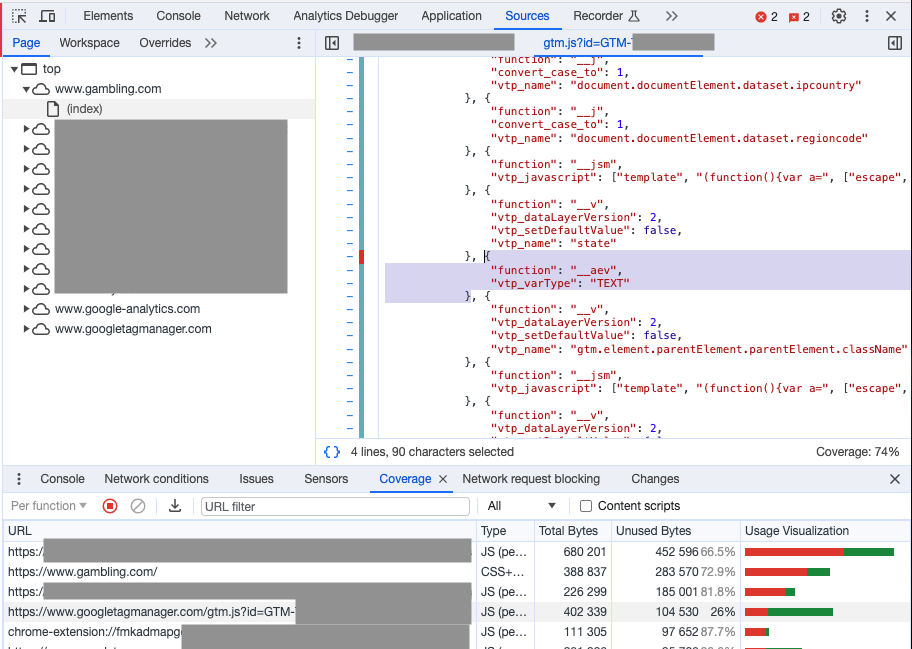
This part belongs to a JavaScript JSON or dictionary that starts to create all the macros:
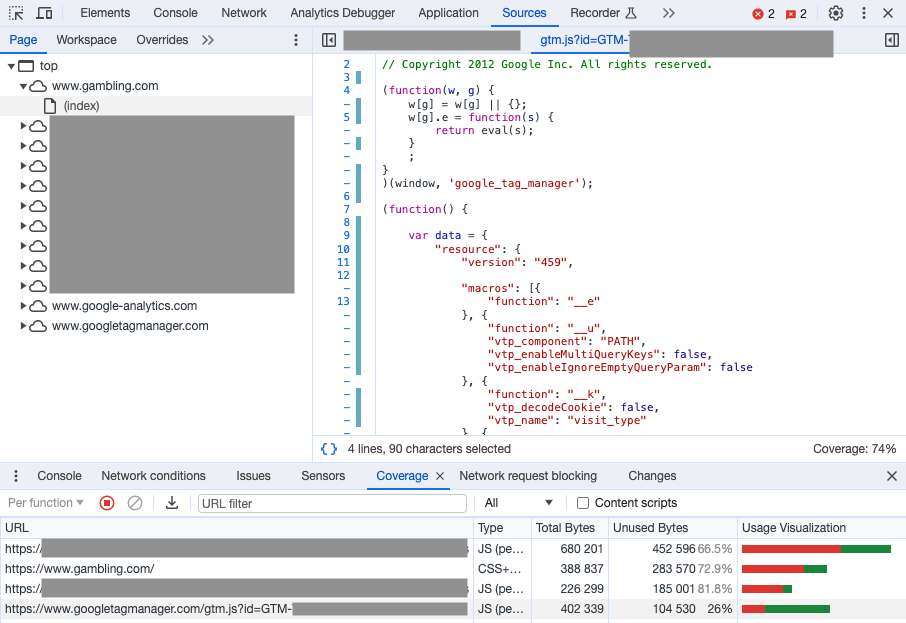
Let me explain you what this “unused javascript” does: It creates a User-defined type of variable called “Auto Event Variable” (__aev) available for the user in the GTM interface.
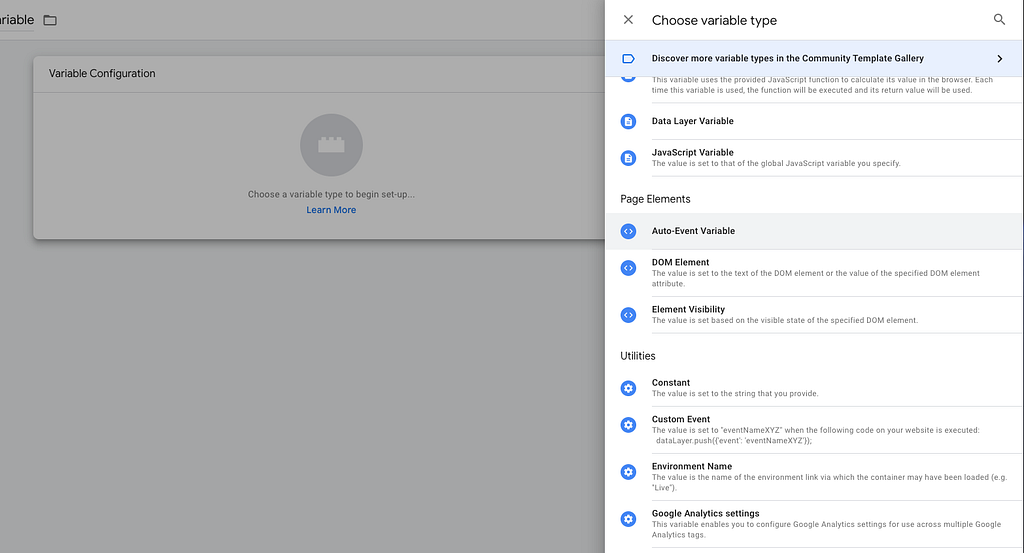
As we are not using that type of variable in our container, maybe Lighthouse has detected that we don’t need that part of code.
And now is why I write in the beginning it’s impossible to remove unused JavaScript, because that lines of code is part of GTM itself. In this example, despite you are not using that variable, it must be available in the platform.
Bottom line, can you reduce the the size of your GTM file?. Yes, improve your GTM container. Can you reduce all that you wish from the file? Nope.